
Microsoft Intune Newbury, Berkshire
Microsoft Intune in Newbury control every work device
Microsoft Intune lets you manage company laptops and phones from one place, with security rules, app installs and remote wipe built in. We set it up for Newbury firms and keep it running.
The basics
What is Microsoft Intune?
Microsoft Intune is the cloud service Microsoft provides for managing and securing business devices. It checks each laptop, tablet or phone meets your rules, installs the apps people need and can erase work data if a device goes missing.
Because it belongs to the Microsoft 365 family, it uses the same staff sign-ins, so a new starter's device can be enrolled with very little hands-on setup.
Key features
Manage every device with Microsoft Intune
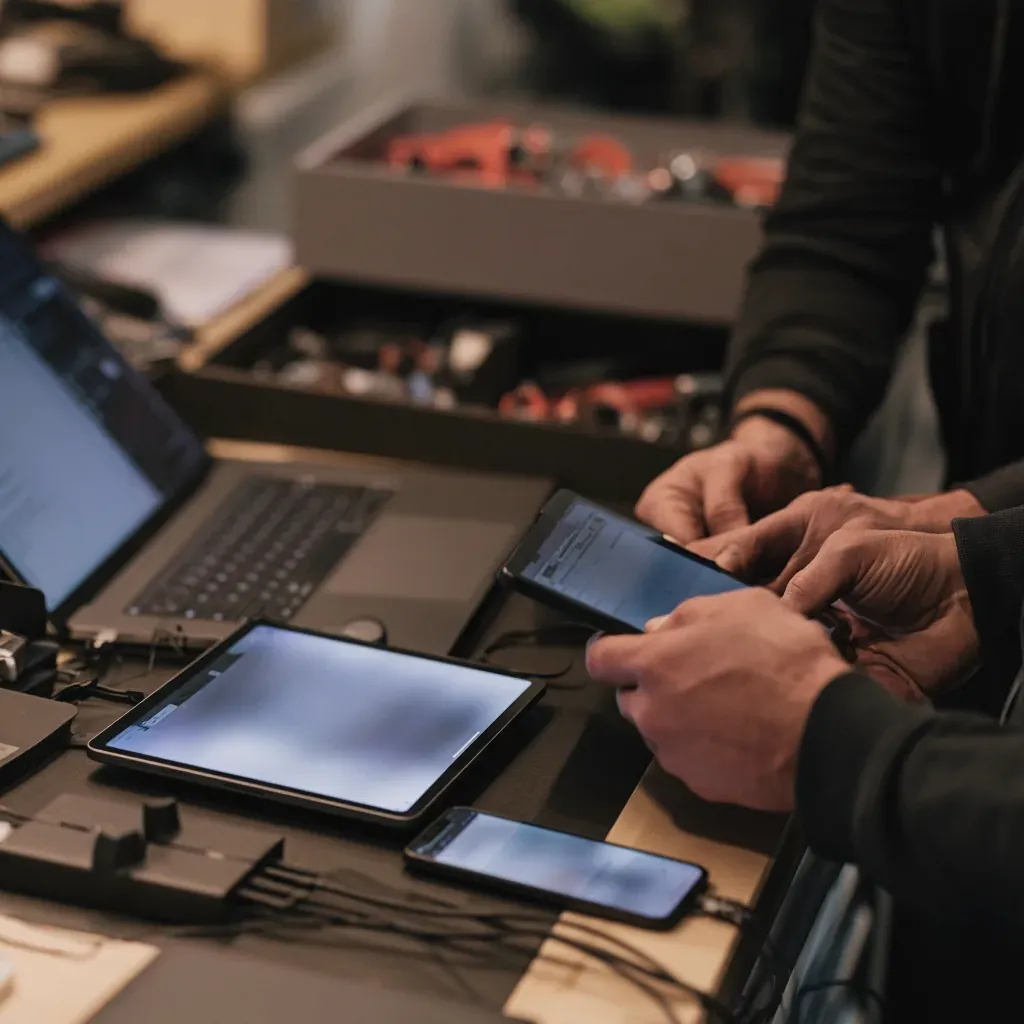
Intune gives you one dashboard for Windows PCs, Macs, iPhones and Android phones, so you can see which devices meet your standards and fix the ones that fall short.
Simple enrolment
New and existing devices join management through a staff sign-in, so every machine is set up the same way.
Security policies
Require a PIN, encryption and current updates before any device can reach company email and files.
App deployment
Push Microsoft 365 apps and your business software to the right people automatically, then update them in one go.
Remote wipe
If a laptop or phone is lost or stolen, remove company data from it remotely before anyone can get at it.
Why it matters in Newbury
Secure the devices your Newbury team carries
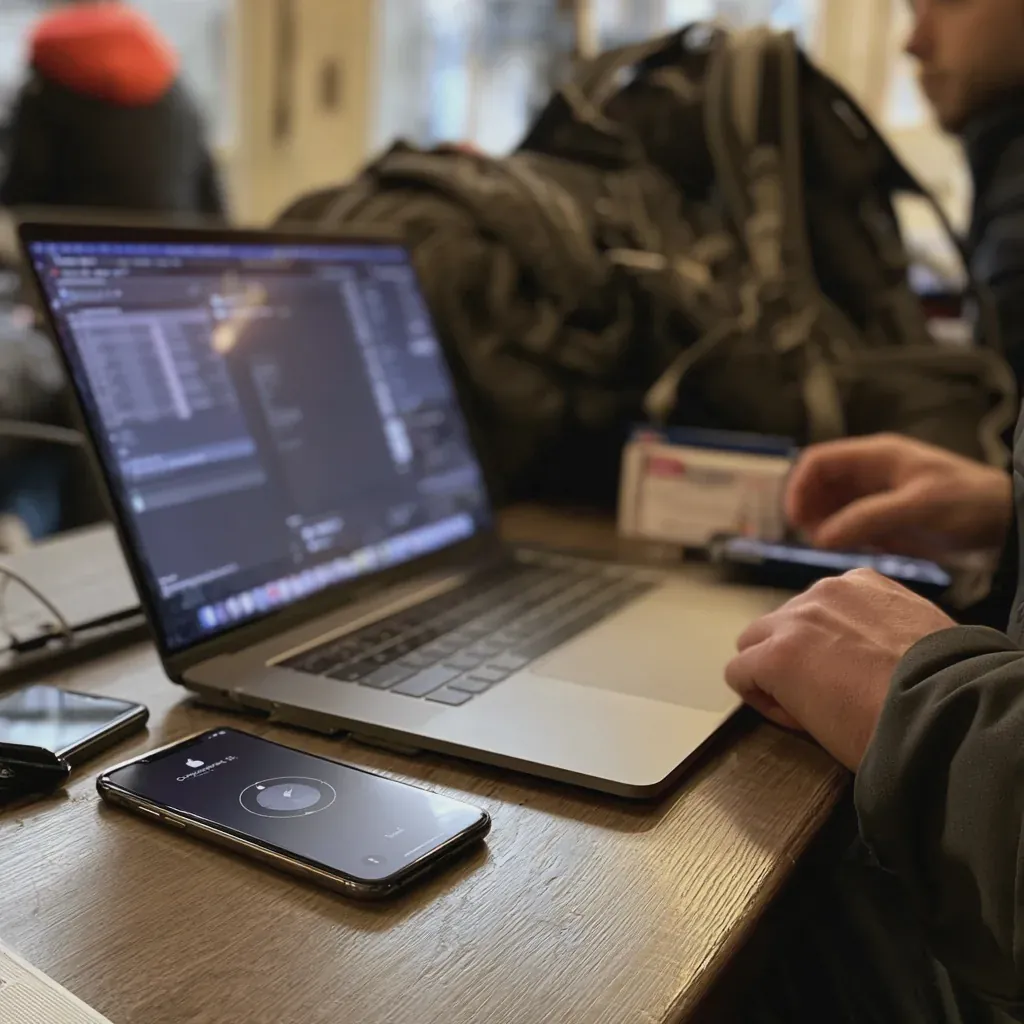
Laptops travel between home, the office and client sites, and phones get left on trains at Newbury station. Without central management nobody can say which devices are patched, or wipe one that goes missing. Intune solves both and supports Cyber Essentials device rules.
Microsoft Intune helps you:
- Enrol new laptops with a staff sign-in
- Enforce PINs, encryption and updates
- Install apps on every device at once
- Wipe a lost phone from anywhere
- Let staff use their own phones safely
Frequently asked questions
Your Microsoft Intune questions
What is Microsoft Intune used for?
Intune manages the laptops, tablets and phones that access your business data. It applies security settings, installs and updates apps, reports on device health and can remove company data from a device remotely.
Which devices can Intune manage?
Intune covers Windows PCs, Macs, iPhones, iPads and Android devices, so company-owned and personal devices can sit under one set of rules.
How does device enrolment work?
A new laptop can enrol when the user signs in with their work account, picking up your settings and apps automatically. Existing devices and phones are enrolled through the Company Portal app.
What security policies can we set?
Common policies include a required PIN or password, disk encryption, minimum operating system versions and automatic updates. Devices that fall short can be blocked from company email and files until they are fixed.
Can Intune install software for us?
Yes. Intune can deploy Microsoft 365 apps and your other business software to chosen groups of staff, and keep them updated without anyone visiting each desk.
What happens if a device is lost or stolen?
We can lock the device or wipe it remotely as soon as you tell us. On a personal phone, we remove only the company data and apps.
Can staff use their own phones for work?
Yes. With bring your own device (BYOD) policies, work apps and data are kept separate from personal photos and messages. If someone leaves, we remove the work side and leave their own content alone.
Is Intune included in Microsoft 365?
Intune comes with some Microsoft 365 business plans, such as Business Premium, and can also be added on its own. We check your current licences and tell you what you need.
Do you set up Intune for businesses in Newbury?
Yes. We plan and set up Intune for businesses in Newbury, Thatcham and the surrounding area, from enrolment and policies to app deployment, and support it once it is live.
Other questions
Didn't find your answer here? Contact us and a member of our team will reply.
Microsoft certified, independently accredited.







Talk to us
Bring your devices under control in Newbury
Tell us how many laptops and phones your team uses and we will plan enrolment, set your security policies and get Intune running on every device. Call 01635 778225 or email hello@newburyitsupport.co.uk.
Get Started Today